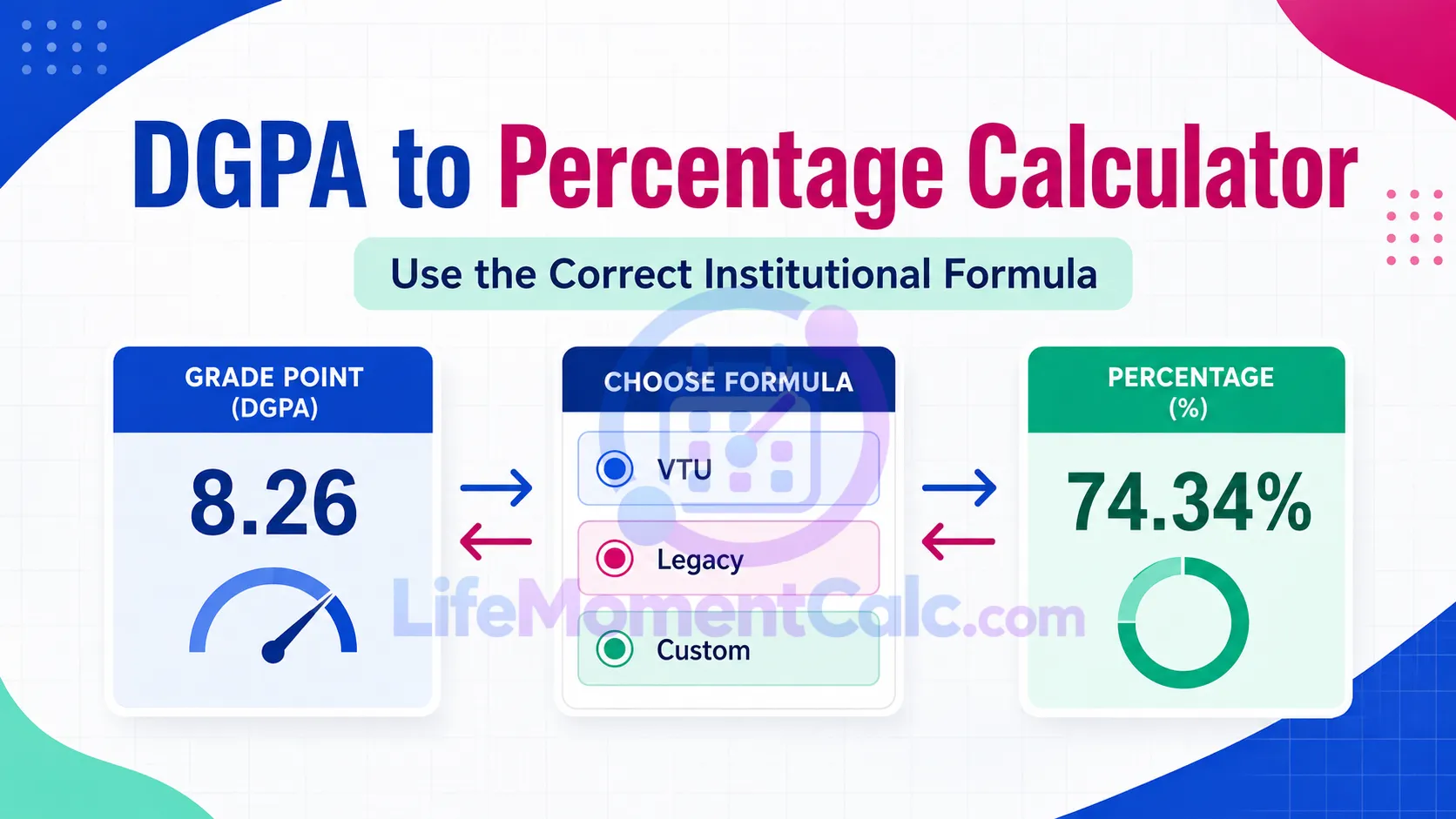
The DGPA to Percentage Calculator converts a grade point to an estimated percentage or reverses an accepted percentage into a grade point. Its most important feature is not the arithmetic—it is the requirement to identify the conversion formula.
Universities do not share one universal DGPA or CGPA conversion. The same grade point may produce different percentage equivalents under different rules. This tool therefore provides a named VTU preset, a clearly labelled legacy multiplier, and a configurable linear method.
Convert in either direction using an identified institutional rule or a clearly defined custom linear formula. Universities define their own scales and conversion rules. The VTU preset applies only to the schemes named in VTU’s published rule. The legacy 9.5 multiplier is included for documents that explicitly prescribe it; it is not a general 10-point or four-point conversion. Check your transcript, academic regulations, examination office, or conversion certificate. A linear estimate should not be submitted as an official equivalent unless the receiving organization accepts that method.DGPA to Percentage Calculator
Conversion estimate
No universal DGPA conversion exists
For official use
Select the Institutional Rule Before Entering a Score
Choose DGPA to percentage for forward conversion or Percentage to DGPA for reverse conversion. Then select the formula prescribed by the issuing institution or receiving organization.
The VTU preset is specifically labelled for the named 2015, 2017, and 2018 schemes. The legacy 9.5 multiplier should be used only when an applicable document explicitly requires it.
Custom mode allows a maximum grade point, offset, and multiplier. It is useful when an institution publishes a different linear rule, but those values should not be guessed.
Formulas Actually Used by the Calculator
The general forward formula is:
Percentage = (Grade point − Offset) × Multiplier
The reverse formula is:
Grade point = Percentage ÷ Multiplier + Offset
Named VTU Formula
Percentage = (CGPA − 0.75) × 10
For a CGPA of 8.20:
(8.20 − 0.75) × 10 = 74.50%
Reverse conversion of 74.50% under the same rule is:
74.50 ÷ 10 + 0.75 = 8.20
Legacy 9.5 Method
Percentage = Grade point × 9.5
This corresponds to an offset of 0 and a multiplier of 9.5. Its inclusion does not make it a general rule for every ten-point scale.
Custom Method
Enter the officially prescribed offset, multiplier, and scale maximum:
Percentage = (Grade point − Custom offset) × Custom multiplier
Forward and reverse calculations are algebraic inverses only when the same linear method applies.
Why “Multiply by 10” Is Not Automatically Correct
A ten-point grade scale describes the maximum grade point, not the percentage-conversion formula. An institution may subtract an offset, use a multiplier, publish a table, avoid percentage conversion, or apply different rules to different academic schemes.
Using a convenient formula without institutional support can misstate academic performance. The result may be unacceptable for admissions, employment verification, credential evaluation, or scholarship applications.
For a separate credit-weighted calculation based on named Canadian university scales, see the Canadian GPA Calculator.
Validation and Supported Ranges
The calculator checks that the input falls within the selected scale. Under the VTU preset, a grade point below the formula’s offset is rejected because it would produce a negative percentage.
Forward conversion validates the grade point against the selected maximum. Reverse mode accepts percentages from 0 to 100 and verifies that the resulting grade point remains within the scale.
Custom multipliers must be positive. The scale maximum and offset must also fall within the supported input limits.
Validation prevents impossible output, but it cannot verify that the chosen formula belongs to the institution that issued the grade.
How to Verify an Official Conversion
Check the transcript or consolidated marks sheet first. If no conversion appears, consult:
- Current academic regulations
- Examination-office instructions
- An official university circular
- A published scheme document
- A formal conversion certificate
- Requirements from the receiving organization
Record the formula name with the converted value. A percentage without its conversion method may be misleading.
Understanding the Result
Forward mode displays estimated percentage, input grade point, selected scale maximum, and formula. Reverse mode reports the estimated grade point, input percentage, and inverse calculation.
The word “estimated” is intentional. The arithmetic is exact under the selected equation, but its official validity depends on applying the correct institutional rule.
Frequently Asked Questions
Is DGPA the same as CGPA?
Terminology varies among institutions. Use the scale and formula stated on the academic document.
Can a four-point GPA be converted with the legacy multiplier?
Not unless the institution explicitly prescribes that method. It is not a universal GPA conversion.
Why does the reverse result differ from another website?
The other source may be using a different offset, multiplier, table, or rounding rule.
Can this result be submitted officially?
Only if the receiving organization accepts the selected method. An official transcript or conversion certificate remains authoritative.