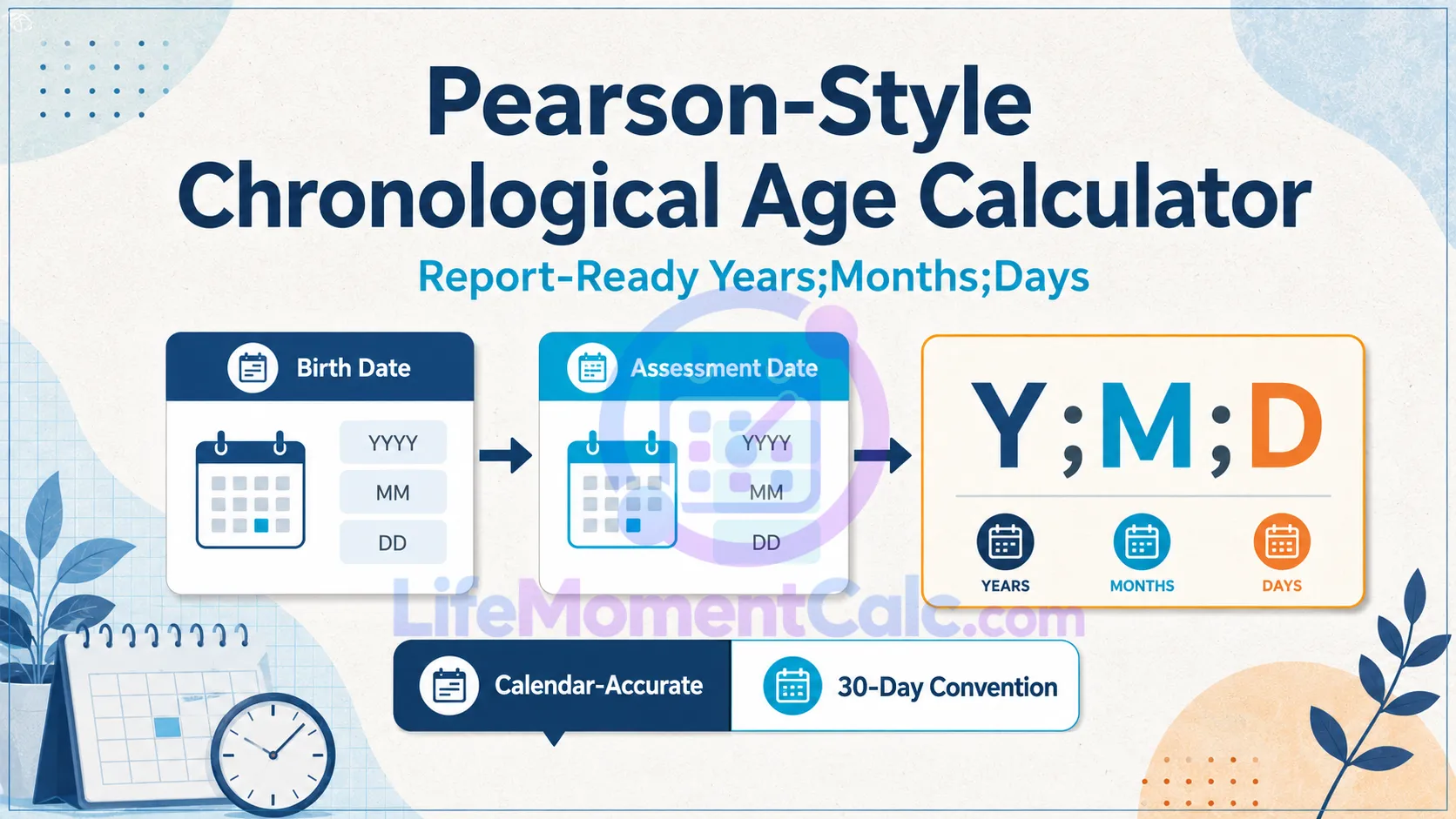
Age-normed assessments often require chronological age on the exact testing date. The Pearson-Style Chronological Age Calculator formats that interval as years;months;days and supplies completed months plus a report-ready sentence.
It offers two methods: calendar-accurate age based on real dates and an optional 30-day assessment convention. The correct choice depends on the instructions for the specific assessment, so the selected method is displayed with the result.
Calculate report-ready age on an assessment date with calendar-accurate and optional 30-day methods. The result is formatted as years;months;days and includes total completed months plus a report-ready sentence. Calendar-accurate mode follows actual dates. The optional 30-day convention treats each month as 30 days for manuals that explicitly require that procedure. “Pearson age” is not a separate biological measure. It is chronological age used for age-normed assessment. Always use the method and rounding instructions in the specific assessment manual; the official score report controls.Pearson-Style Chronological Age Calculator
Assessment age
Designed for assessment workflows
Use the test manual
This Is Chronological Age for an Assessment Date
“Pearson-style age” is not a separate type of biological or developmental age. It is chronological date arithmetic prepared for workflows involving age-based norms.
Enter the date of birth and test or assessment date. The assessment date must not precede the birth date.
The result does not select a normative table, adjust a score, correct for prematurity, or determine eligibility. Those procedures depend on the relevant assessment manual and professional context.
Formulas and Methods Used
Calendar-Accurate Method
The tool finds the largest number of complete birth anniversaries not later than the assessment date. It then counts complete calendar months from that anniversary and the remaining civil days.
Assessment age = Completed years; Completed months; Remaining days
This method respects actual month lengths and leap years.
Optional 30-Day Assessment Convention
The calculation separates both dates into year, month, and day components. Day values above 30 are treated as 30 for this convention.
If the assessment day is smaller than the birth day, the tool borrows 30 days from the month column:
Assessment day + 30 − Birth day
If the adjusted assessment month is smaller than the birth month, it borrows 12 months from the year column:
Assessment month + 12 − Birth month
The remaining subtraction produces years, months, and days under equal 30-day-month arithmetic.
This convention should be chosen only when the applicable manual explicitly requires it.
Understanding Y;M;D Format
A result such as 8;4;12 means 8 years, 4 months, and 12 days. Semicolons separate components and are not decimal points.
The tool also reports years and months as 8;4 and calculates completed months:
Completed months = Years × 12 + Months
For 8;4, the completed-month count is:
8 × 12 + 4 = 100 months
Remaining days are not converted into another completed month.
Why Two Methods May Produce Different Results
Calendar-accurate subtraction follows real dates, while the 30-day convention normalizes every month to 30 days. They may agree for some date pairs and differ for others, particularly near long or short month boundaries.
A difference does not automatically indicate an error. It means the selected conventions answer the subtraction differently.
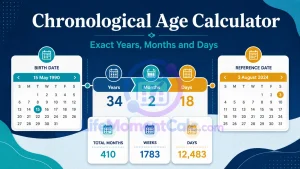
The Chronological Age Calculator offers a broader calendar-age breakdown with total weeks, days, and next birthday. This page focuses on assessment-oriented formatting.
Use the Specific Assessment Manual
An assessment may specify:
- A required chronological-age calculation method
- Rounding or truncation rules
- Whether the testing date or another date controls age
- Prematurity correction requirements
- Age ranges for normative tables
- Procedures for dates at the edge of a norm band
This calculator cannot infer those rules from dates alone. Check the current manual, scoring platform, and professional guidance for the exact instrument.
What the Result Provides
The headline displays age in Y;M;D format. Additional rows show years and months, completed months, and the selected method.
The report-ready sentence restates the components in ordinary language. Review it before copying it into any document and ensure that the calculation method matches the assessment instructions.
No diagnostic conclusion is produced. Chronological age alone does not describe ability, development, or test performance.
Privacy and Professional Use
The calculation runs locally and does not require names, client identifiers, or assessment results. Avoid placing personally identifying information into notes or screenshots unnecessarily.
For formal assessment work, retain the original dates and method in the appropriate secure record so the age can be independently checked.
Frequently Asked Questions
Is this an official Pearson scoring service?
No. It is an independent date-arithmetic tool and does not replace an official scoring platform or manual.
Which method should be used?
Use the method prescribed by the exact assessment edition and workflow.
Is Y;M;D a decimal age?
No. It represents separate calendar or convention-based components.
Does the calculator correct age for prematurity?
No. Apply only procedures explicitly required by the relevant assessment manual.